



Can You Wash a Mousepad? Everything You Need to Know
How to Clean a Mousepad: Step-by-Step Guide
Keeping your mousepad clean is essential for maintaining consistent performance, comfort, and longevity. Over time, dust, skin oils, sweat, and debris build up on the surface which affect glide, tracking accuracy, and overall feel.
This guide explains how to clean a mousepad properly, step by step, covering fabric and glass, along with tips to keep your surface performing at its best.
Why You Need to Clean Your Mousepad Regularly
A dirty mousepad doesn’t just look worn, but instead will directly impact gaming performance.
Over time, buildup can:
-
Reduce glide consistency causing distractions in-game
-
Interfere with mouse sensor tracking causing spin outs, sensor skipping, LOD issues and more.
-
Create uneven friction zones which interfere with quick swipes
Regular cleaning helps preserve the original feel of your mousepad and ensures reliable performance for gaming.
Materials You’ll Need to Clean Your Mousepad
Before starting, gather the following items:
-
Mild soap or gentle dish detergent
-
Warm (not hot) water
-
Soft cloth or microfiber towel
-
Soft sponge or non-abrasive brush
-
Microfiber cloth (for glass mousepads)
Avoid harsh chemicals or abrasive materials, as these can damage coatings and surface textures.
Cleaning Fabric Mousepads
Fabric mousepads require gentle cleaning to avoid damaging the surface or base.
Step-by-step instructions:
-
Rinse the surface with warm water to remove loose dust and debris.
-
Apply a small amount of mild soap.
-
Gently scrub using your fingers or a soft sponge in circular motions.
-
Rinse thoroughly to remove all soap residue. Keep rinsing until the water is clear, without any dust, debris or soap residue remaining.
-
Lay the mousepad flat and allow it to air dry completely.
Do not wring, fold, or apply heat. Make sure the mousepad is fully dry before use. Additionally, do not use a lint roller on the surface as this may cause irreparable damage to the surface.
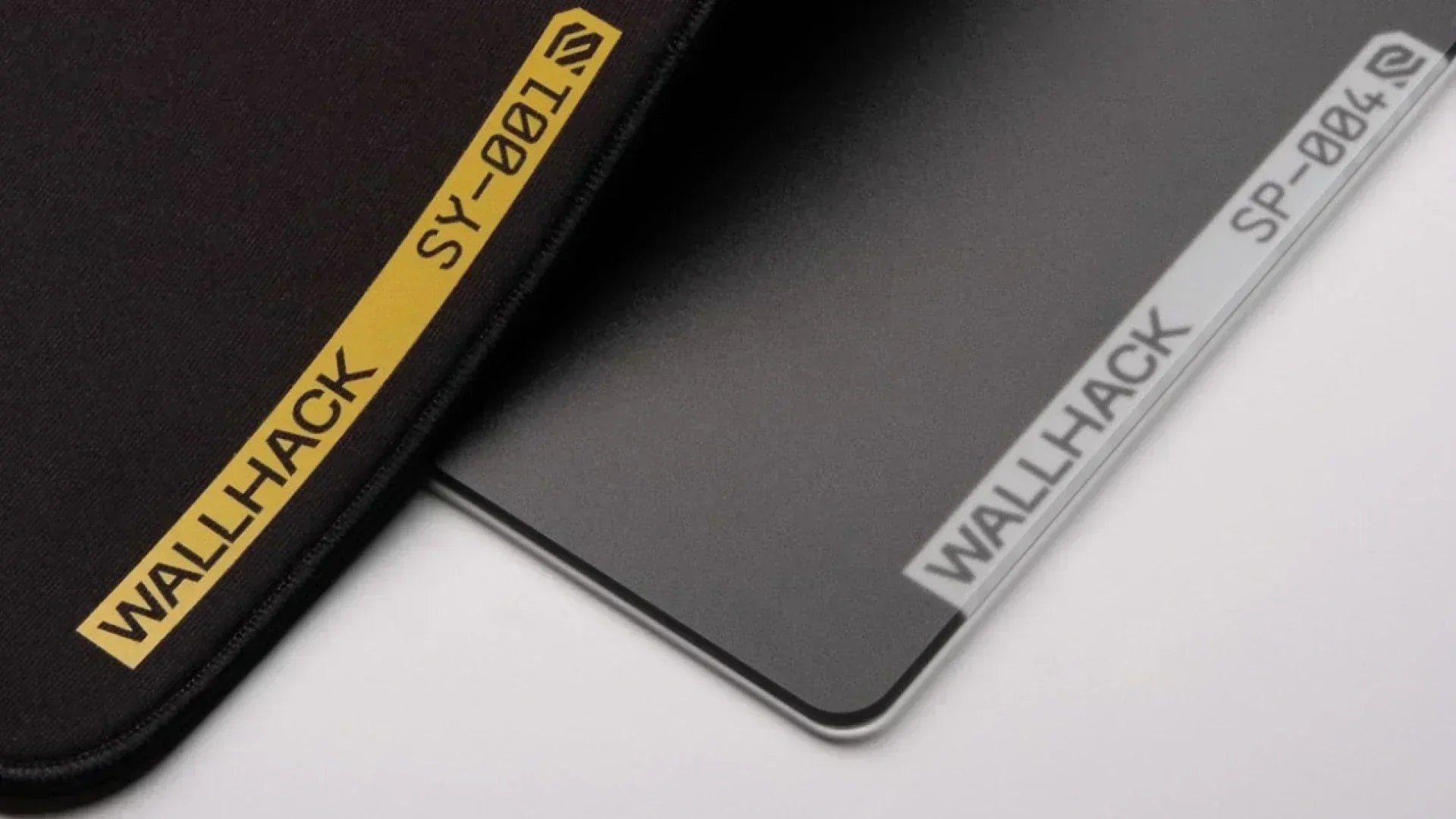
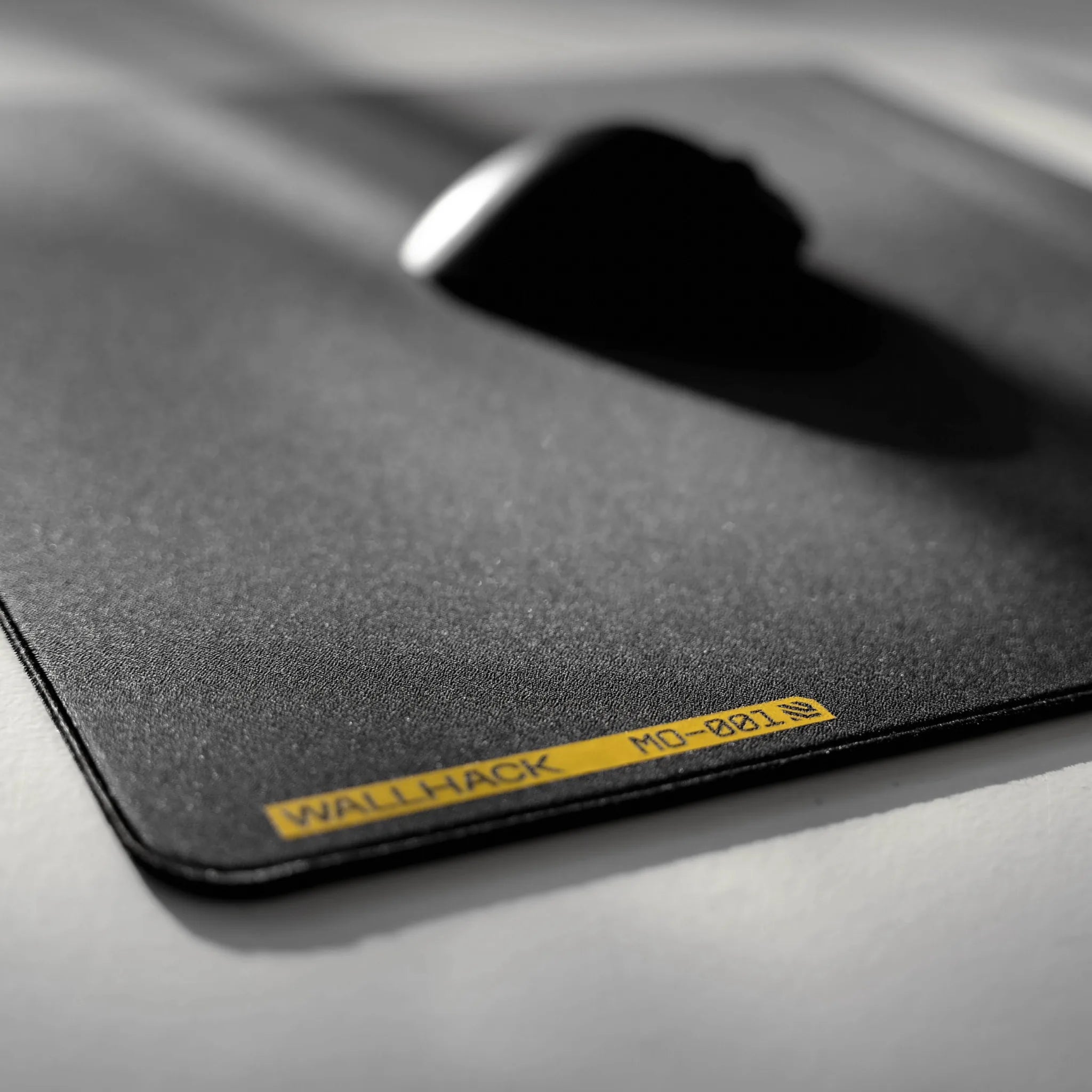
For more deep cleaning information of our cloth mousepads, be sure to check out How to Clean Your WALLHACK SY-001 & MO-001 Mousepads!
Cleaning Glass Mousepads
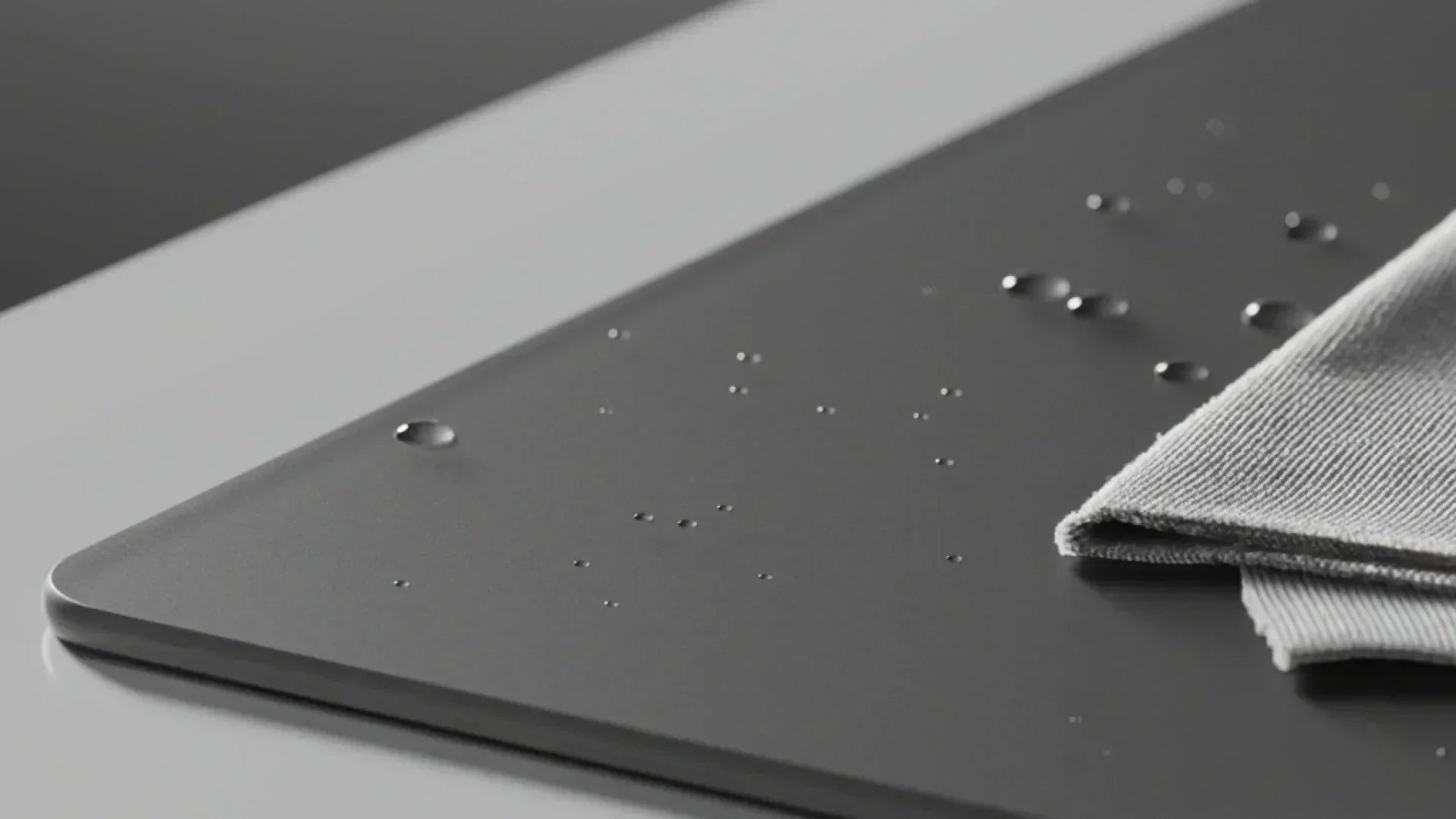
Glass mousepads are easier to maintain but still require proper care.
To clean a glass mousepad:
-
Wipe the surface with a microfiber cloth
-
Use water or a gentle glass-safe cleaner if needed
-
Dry immediately with a clean cloth
Avoid abrasive pads or rough towels, as scratches can affect glide and consistency. Also avoid using tissue paper as this may fray apart and leave debris on the surface.
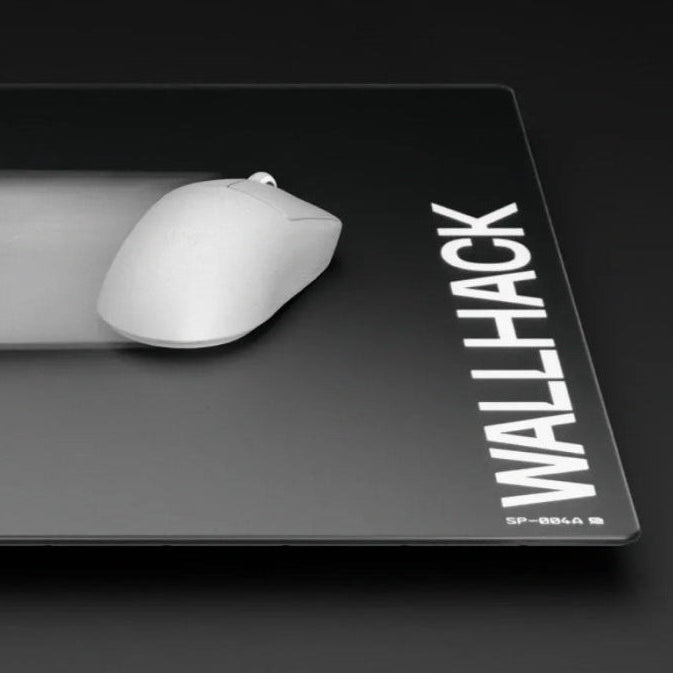
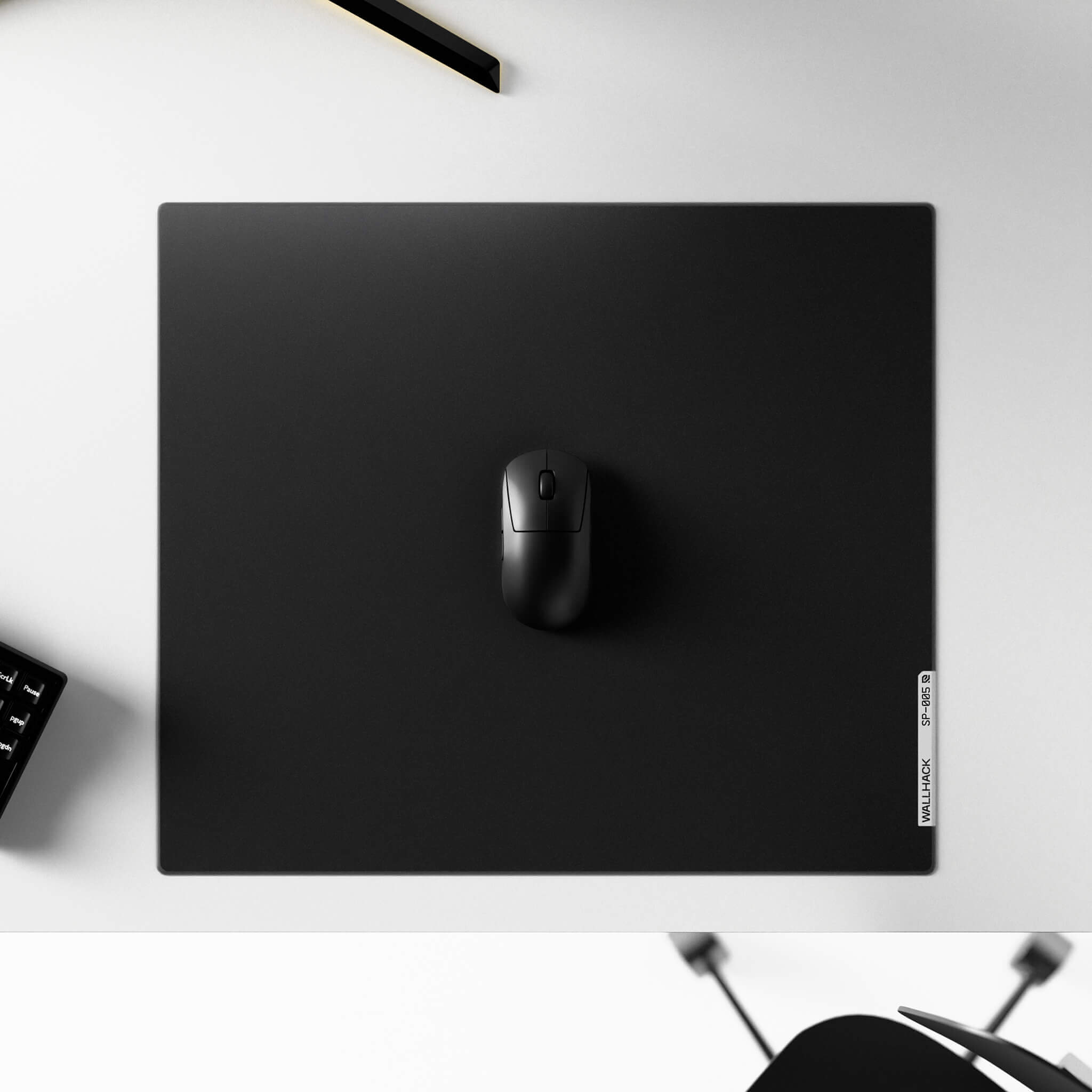
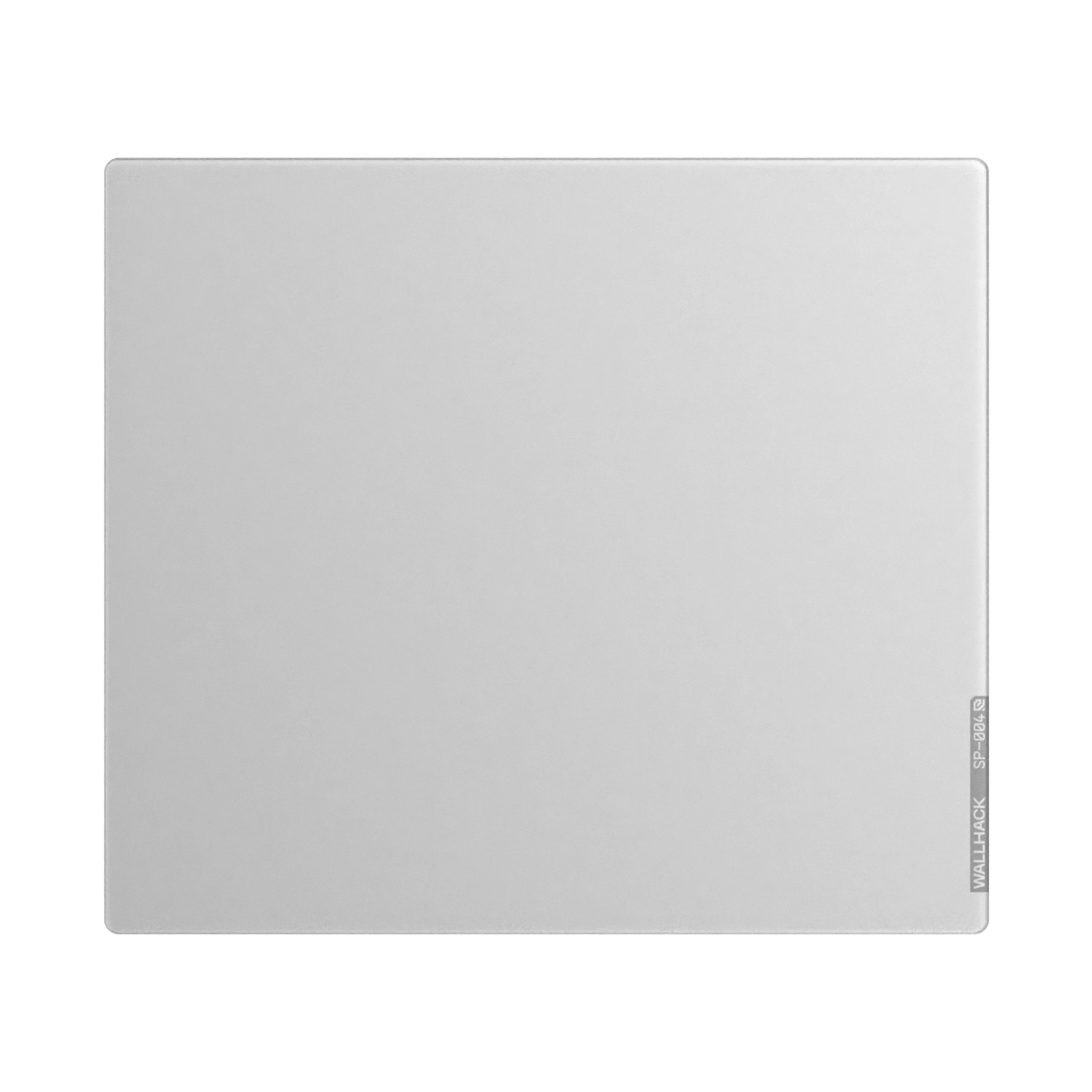
You can explore available options in our Explore Glass Mousepads collection.
For more deep cleaning information of our glass mousepads, be sure to check out How to Clean Glass Mousepad | Step-by-Step Guide | Wallhack
When to Replace Your Mousepad
Even with proper care, mousepads don’t last forever.
Consider replacing your mousepad if you notice:
-
Permanent stains or discoloration
-
Fraying edges or peeling layers
-
Inconsistent glide such as slow spots or other surface friction changes
-
Tracking issues such as mouse cursor stuttering, spinout, sudden stopping or other lift-off distance related problems
-
Surface wear that doesn’t improve after cleaning
At this stage, cleaning can’t fully restore performance.
How to Prevent Dirt and Stains from Accumulating
Preventive care reduces the need for deep cleaning.
Tips to keep your mousepad clean:
-
Wash or wipe your hands before gaming (during gaming as well if your hands are sweaty)
-
Wipe the surface regularly with a dry cloth
-
Avoid eating at your desk
-
Store unused mousepads flat in a dust-free area
Why Clean Your Mousepad for Gaming and Productivity
For gamers and professionals, consistency matters.
A clean mousepad provides:
-
Predictable glide and control
-
Reliable mouse sensor tracking
-
Reduced friction variability
-
Improved comfort during long sessions
-
Less distractions and less work interruptions
Maintaining your surface helps ensure stable performance across all setups, gamer or not.
Browse Our Collection of Mousepads for Better Performance
If your mousepad is beyond recovery, or you’re ready for an upgrade, be sure to explore our performance-focused range:
Each WALLHACK mousepad is engineered for consistent glide, stable control or speed depending on model, and long-term durability.