


You Asked, We Answered: The K-001 and M-001
We've had a lot of questions since we announced the K-001 and M-001, in the comments, the DMs, the replies. So we collected the ones that came up most often and sat down with Tais Thøgersen, our Head of Product, to go through them properly: the design decisions, the trade-offs, and the things we're still working on.
Here's what you wanted to know.
First, about the way they look
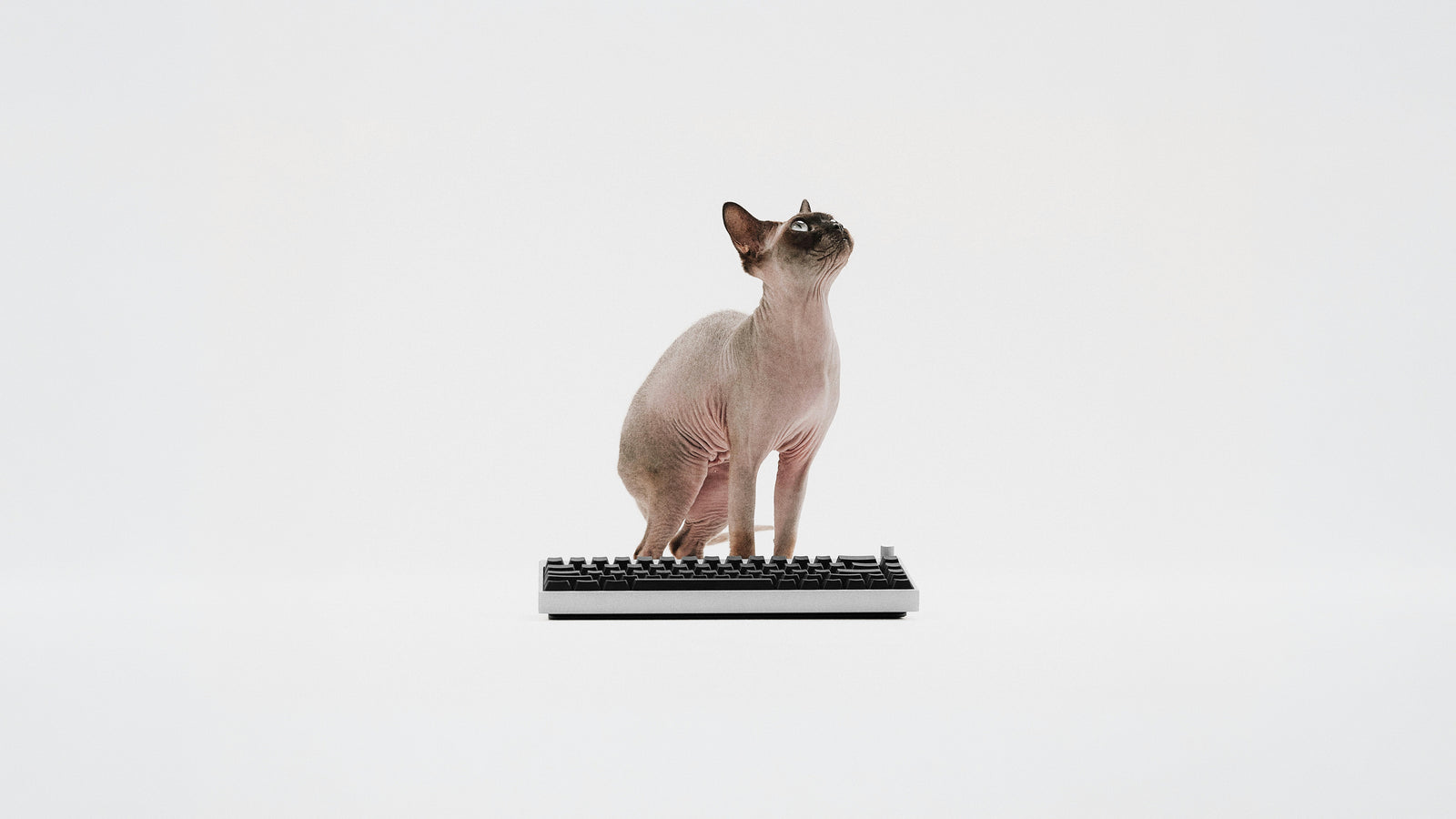
"Let's be real, it looks like those basic black ones you find in a school computer lab."
That's fair, and it's deliberate. We wanted a mix: a prominent design language in the receiver, paired with objects that sit quietly on your desk. That meant no lavish design features, no racing stripes, none of the usual gaming-gear theatrics. Just clean, minimalist objects that earn their place through how they feel and how they perform.
The K-001 keyboard
Will there be an ISO version?
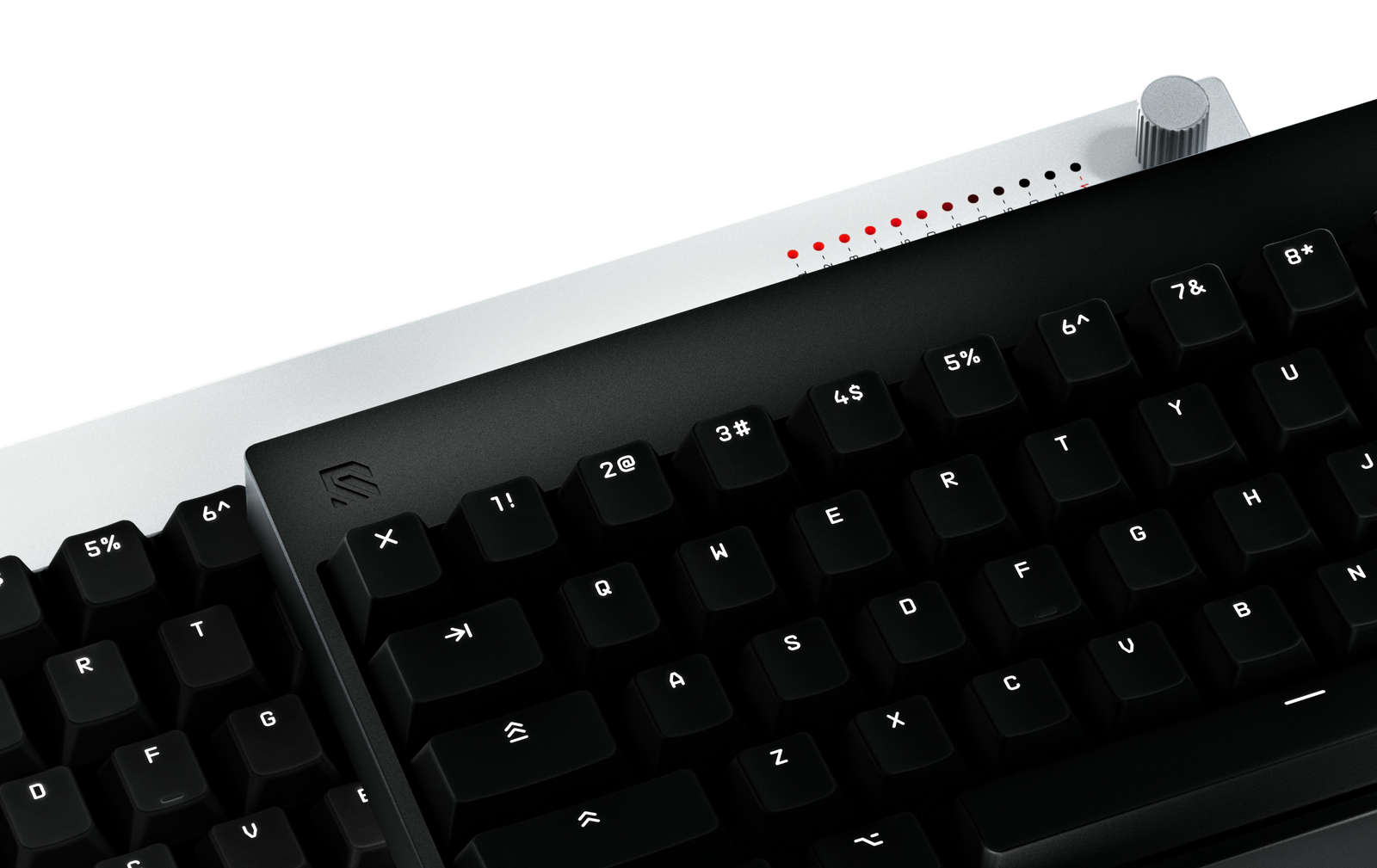
For launch, we're shipping JIS and ANSI. ISO is not out of the picture. We're watching to see what the community demand looks like. A broader range of layouts is the goal. We're simply starting with these two.
65% feels too compact. When do we get an 80%?
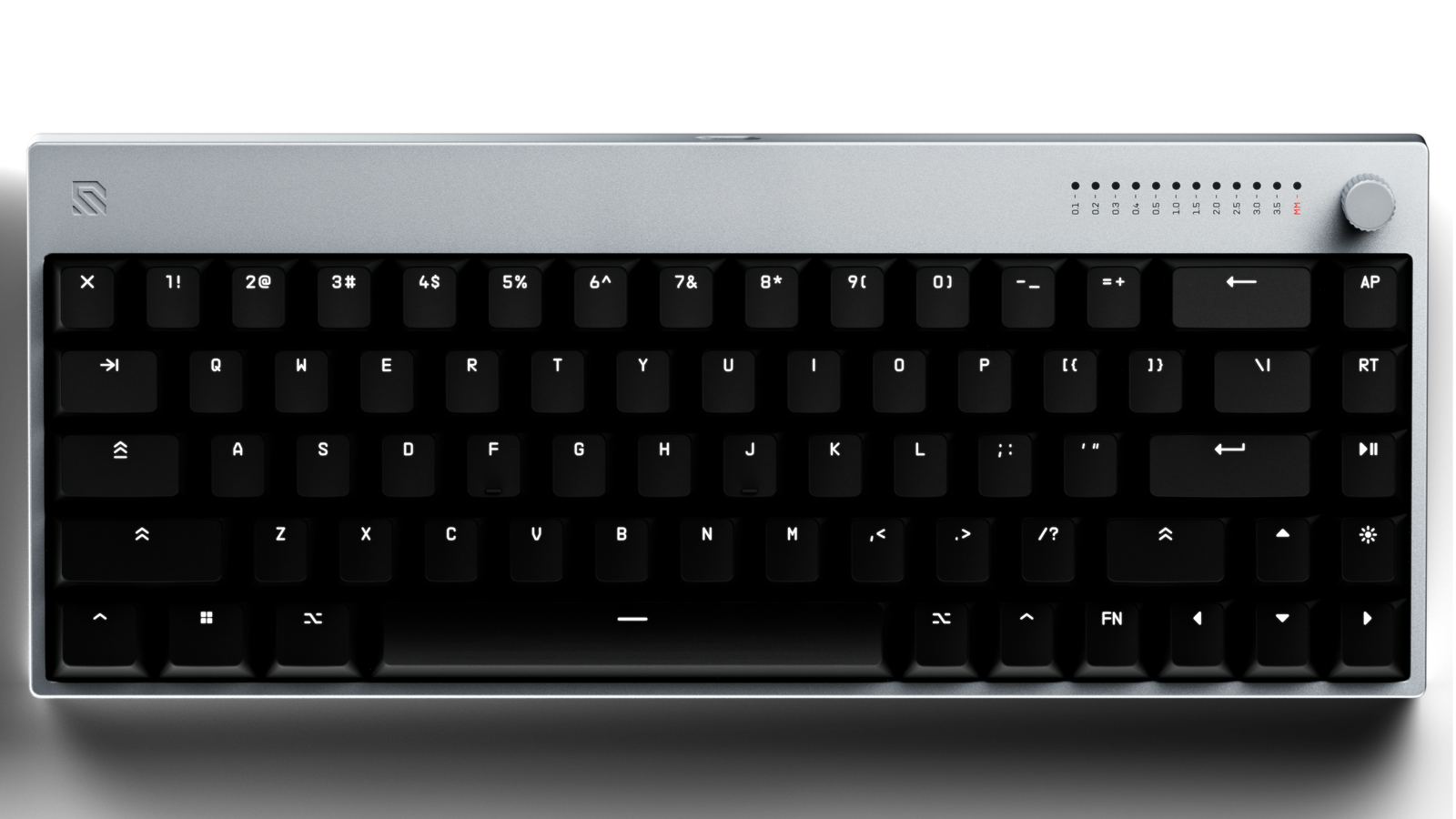
Layout is a preference. Some people love 65%, others want 60, 75, or 80. We had to land somewhere, and 65% felt like the right match: you keep your arrow keys, you get the extra buttons to the right of Enter, and you still have everything you need to play competitively in FPS.
We also like the compact form factor for a practical reason. It saves space on the X-axis, so you have more room for your mouse and pad, while still feeling substantial in the Y direction.
Is there a wrist rest?
Yes, sold separately at launch. It's a silicone wrist rest that lifts your wrist into a more neutral position. It's comfortable for a lot of people, and it pairs especially well with the zero-degree setting, where the slight elevation makes the whole thing feel great.
Why zero, four, and seven degrees for the typing angle?
Typing angle is a trade-off between reach and comfort. A steeper angle gives you more reach to the furthest row. A flatter one keeps your wrist neutral and reduces strain over long sessions. So we picked three points:
- 0° is completely flat, which is fairly unusual. It's what we use internally, and we're really happy with it, especially with the wrist rest.
- 4° is the middle-of-the-road standard, a balanced trade-off between comfort and reach.
- 7° gives you the most reach and accessibility, with the trade-off of a bit more strain over time.
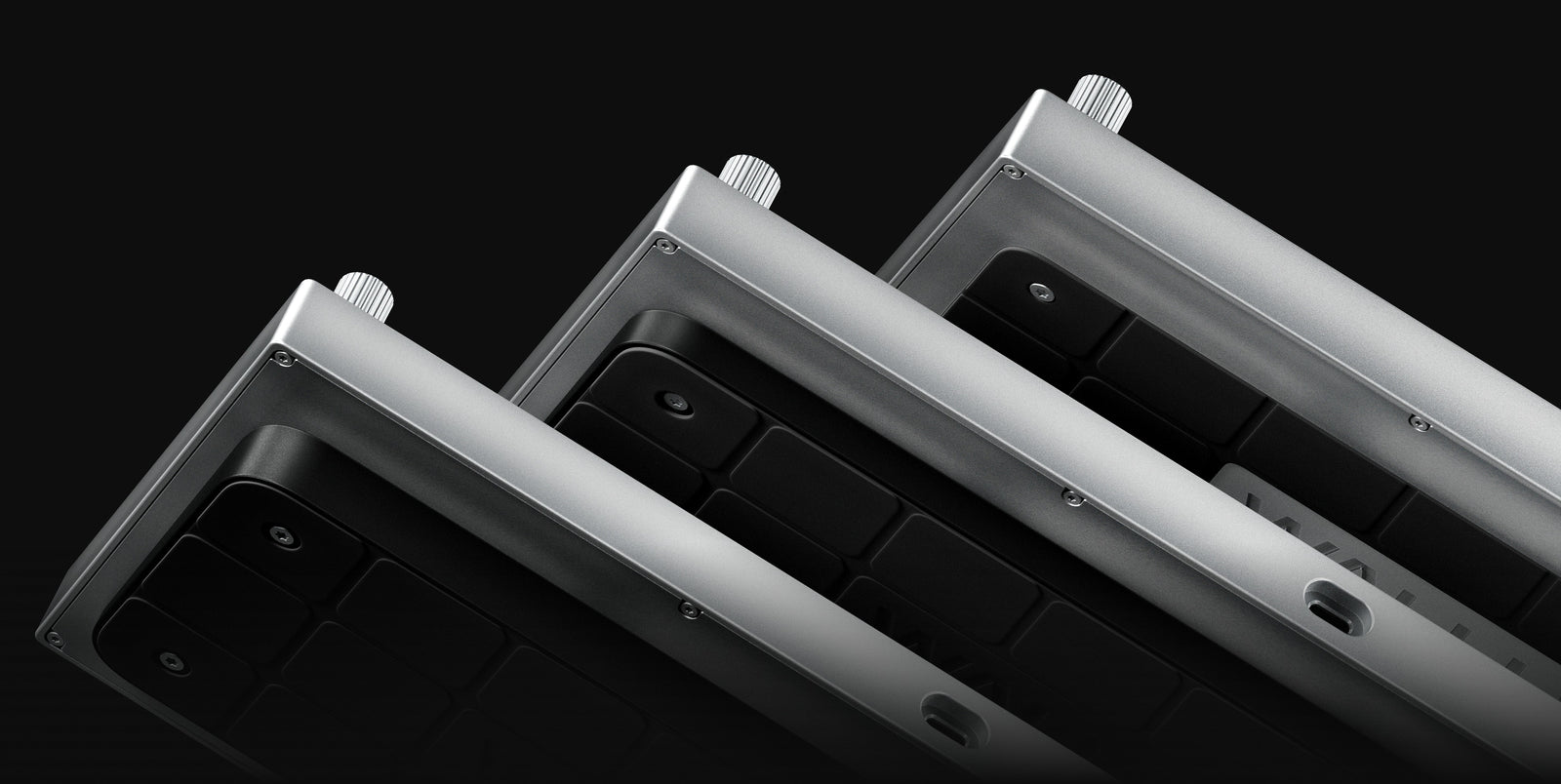
You know what works best for you, so try them all. The 4° and 7° risers mount to the underside with the included screws and screwdriver.
Why is it wired?
Wireless keyboards are great. We just don't think wireless is the right fit here. The trade-offs in reliability and charging are too big for a device that sits still on your desk and doesn't move around. For a keyboard, a cable is the more elegant solution right now.
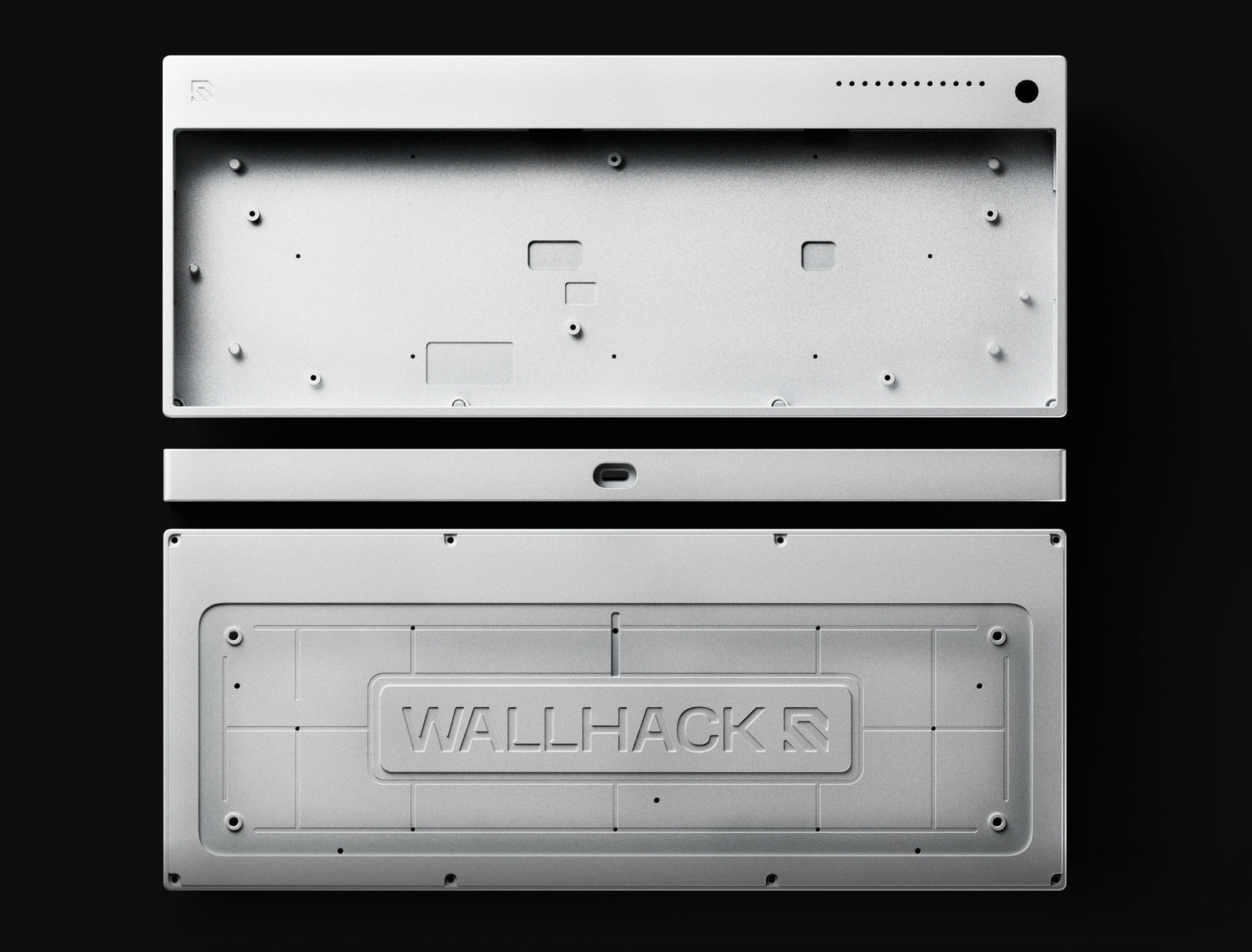
Why aluminum?
Anodized aluminum is a durable, scratch-resilient finish. This is something you touch every single day, so we wanted it to feel premium, with the weight to match that feeling.
What's the dial for?
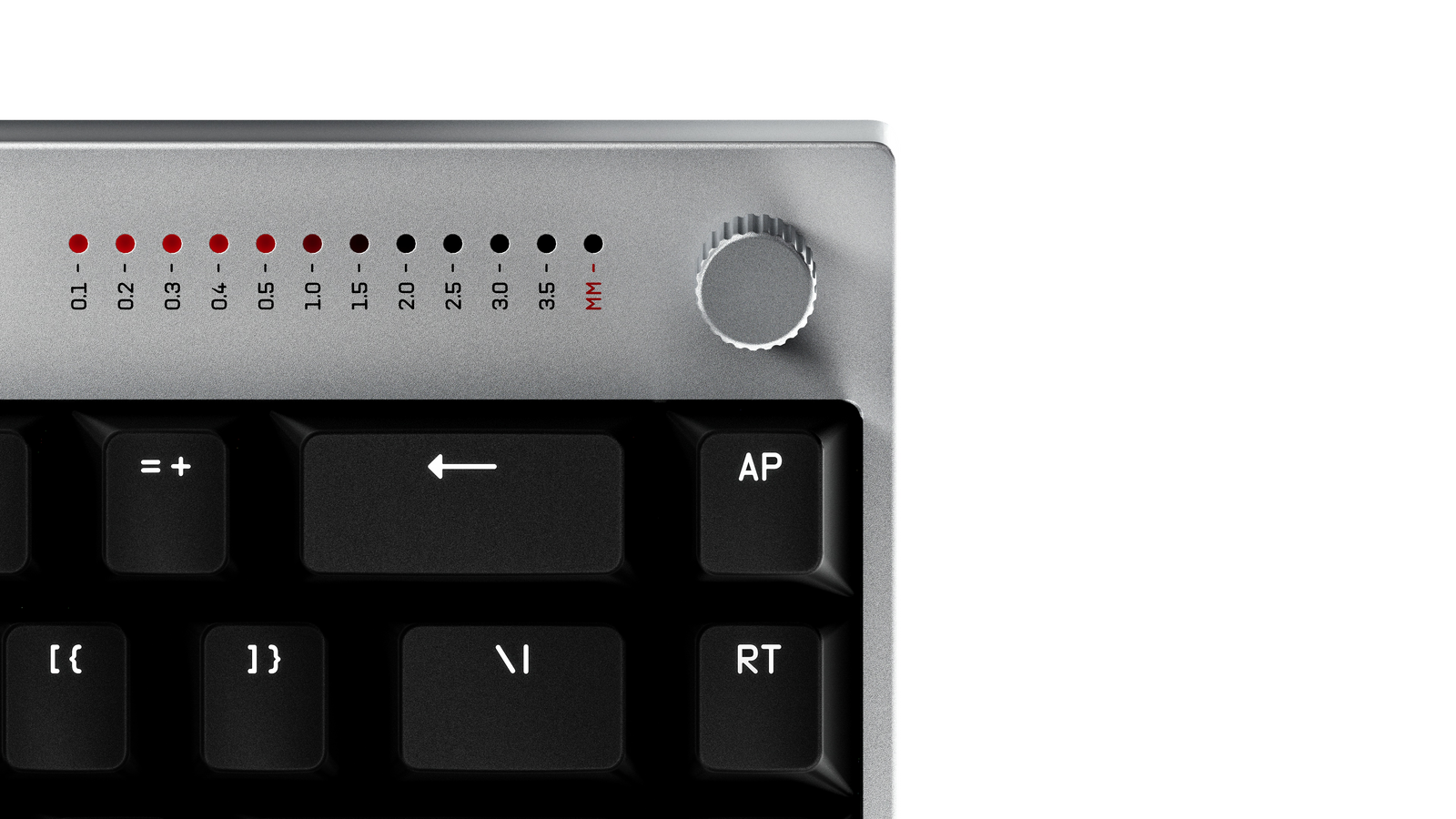
The dial adjusts your actuation point and Rapid Trigger sensitivity, either for a specific set of keys or globally across the whole keyboard. It's the fastest way to dial those in.
A few other things it does:
- Hold the brightness key to adjust brightness.
- Press Fn and rotate to switch profiles.
- Turn on a live readout of actuation, so you can see exactly how deep you're pressing each key as you type.
We also have a VU-meter app in the plans, a small application that lets you see your PC audio output live.
People keep saying the dial looks like a Fujifilm camera dial.
That's intentional. We took a lot of inspiration from everyday tools and products outside of gaming. We wanted something tactile, reliable, and obvious: right there in reach for a quick adjustment, or a quick glance to confirm your settings are correct. Switching polling rate between games and everyday use, or flipping DPI between two states for two different games, that kind of thing genuinely helps day to day.
How much can I actually change in the software?
Almost everything. You can set the actuation point and Rapid Trigger, plus the more advanced settings: last-input SOCD, depth-based SOCD, gamepad emulation, macros, and bindings. It all adds up to a setup that's fully your own.
And it's web-based, on purpose. The Wallhack Terminal runs in your browser, so you can access it on any PC without downloading anything. Portability mattered to us, and web-based software is a big part of that.
The M-001 mouse
How much does it weigh?
53 grams. We found that to be the sweet spot between rigidity and low weight. We wanted the mouse to feel stiff and solid, with no compromise to the structure, while still staying light.
A lot of competitive mice in the lower weight range end up feeling flimsy, and some buckle under pressure. We wanted the M-001 to feel like a stone in your hand while staying genuinely lightweight.
Is there a coating?
Yes, a few layers, in fact:
- A pre-coating that protects the magnesium from oxidizing.
- A main layer, which is the colour you see.
- A finishing abrasion-resistant layer that guards against minor scratches and helps it hold up over time.

Please add angle tune / sensor rotation.
We're already on it. Sensor rotation is one of the top features we're working on for the mouse, coming later this year. It lets you adjust how your input translates into the game, effectively making the mouse feel angled. For some players that's subtle. For others it's a meaningful change to how the whole thing plays.
I'm coming from the Super Strike, is the jump to the M-001 big enough? Inductive switches are so nice.
We think haptic technology is genuinely interesting, and we follow it closely. It just didn't fit the M-001 the way we wanted. There are still real trade-offs around weight balance and tactility, and here we wanted something tried and true, which is why we went with Omron opticals.
We're keeping a close eye on haptics, and as the technology matures we'll consider bringing it to future products.
What can I change in the mouse software?
In the Wallhack Terminal, you can set your DPI and polling rate (the same as you can on the receiver), plus motion sync settings and lift-off distance. You can check for firmware updates, and you'll be able to control more advanced settings too. We have a lot more planned for the software going forward.
Why can't I plug a USB-C cable into the mouse?
Because the M-001 is built around a fully wireless experience. We wanted to lean into the battery hot-swap system rather than traditional charging, so instead of plugging in over USB-C, you swap a dead battery for a fresh one in the receiver. That's what made USB-C redundant here: the mouse charges by swapping, not by tethering.

If I lose the dongle, do I lose the mouse?
No. Depending on the circumstances, there's a way to pair the mouse to a new receiver and realistically that's something we'd help you with through customer support.
Right now the M-001 ships together with its receiver, so if something like this happens, please reach out and let us help sort it out. This shouldn't be something you have to worry about.
Thank you for pushing us
A lot of what's on this page exists because you asked for it: ISO layouts on the radar, sensor rotation on the way, the VU-meter app in the works, haptics on our watch list. We build these things to be lived with every day, and the sharper your questions, the better the next version gets.
If you want to see the K-001 in full, every spec, material, and detail, it's all on the K-001 product page.
Keep them coming. And if something ever feels like it should just work and doesn't, that's on us to take into consideration - reach out to support and we'll take care of it.
More soon.