













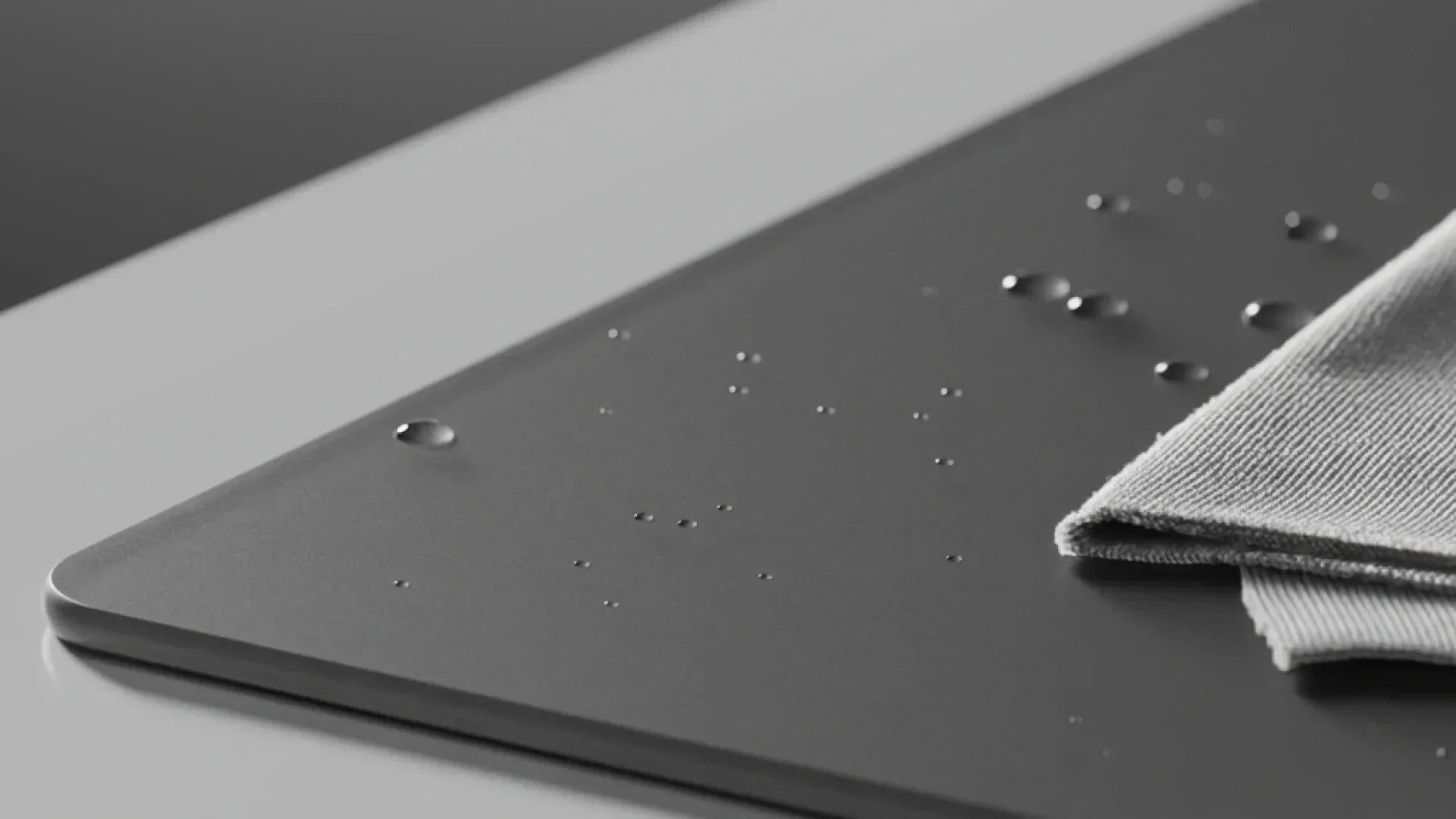
When to Clean Your Mousepad!
How to Clean a Mousepad: Step-by-Step Guide
Your trusty mousepad is often the unsung hero of your setup. However, a dirty mousepad can quickly become the villain—causing inconsistent tracking, slow glide, and missed shots. Knowing how to clean a mousepad properly helps keep your performance sharp and your setup feeling fresh.
Whether you’re using a cloth or glass surface, regular cleaning makes a noticeable difference. If you’re exploring different pad types or upgrades, you can always browse the full Browse Mouse Pads Collection.
Why You Need to Clean Your Mousepad Regularly
Over time, mousepads collect dust, sweat, skin oils, and debris from mouse skates. This buildup can interfere with mouse sensor accuracy, increase friction, and make movement feel inconsistent.
Regular cleaning improves glide, restores precision, and helps extend the lifespan of your mousepad. It also improves hygiene—especially important during long gaming or work sessions.
Materials You’ll Need to Clean Your Mousepad
Before you begin, gather the following items:
-
Mild dish soap
-
Warm water
-
Microfiber or soft cloth
-
Lint-free towel
-
Glass cleaner (for glass mousepads only)
Using gentle materials ensures you don’t damage the surface while cleaning.
Cleaning Fabric Mousepads
For cloth mousepads, one of the clearest signs it’s time to clean is the development of slow spots—areas where the mouse feels sluggish or uneven. These are usually caused by oils, dead skin cells, and PTFE residue building up in the fabric.
To clean a fabric mousepad:
-
Fill a sink or basin with warm water and add a small amount of mild soap
-
Submerge the mousepad and gently scrub with your hand or a soft cloth
-
Rinse thoroughly to remove all soap residue
-
Press between towels to remove excess water
-
Lay flat and air dry completely
Avoid wringing or twisting the pad, as this can damage the base.
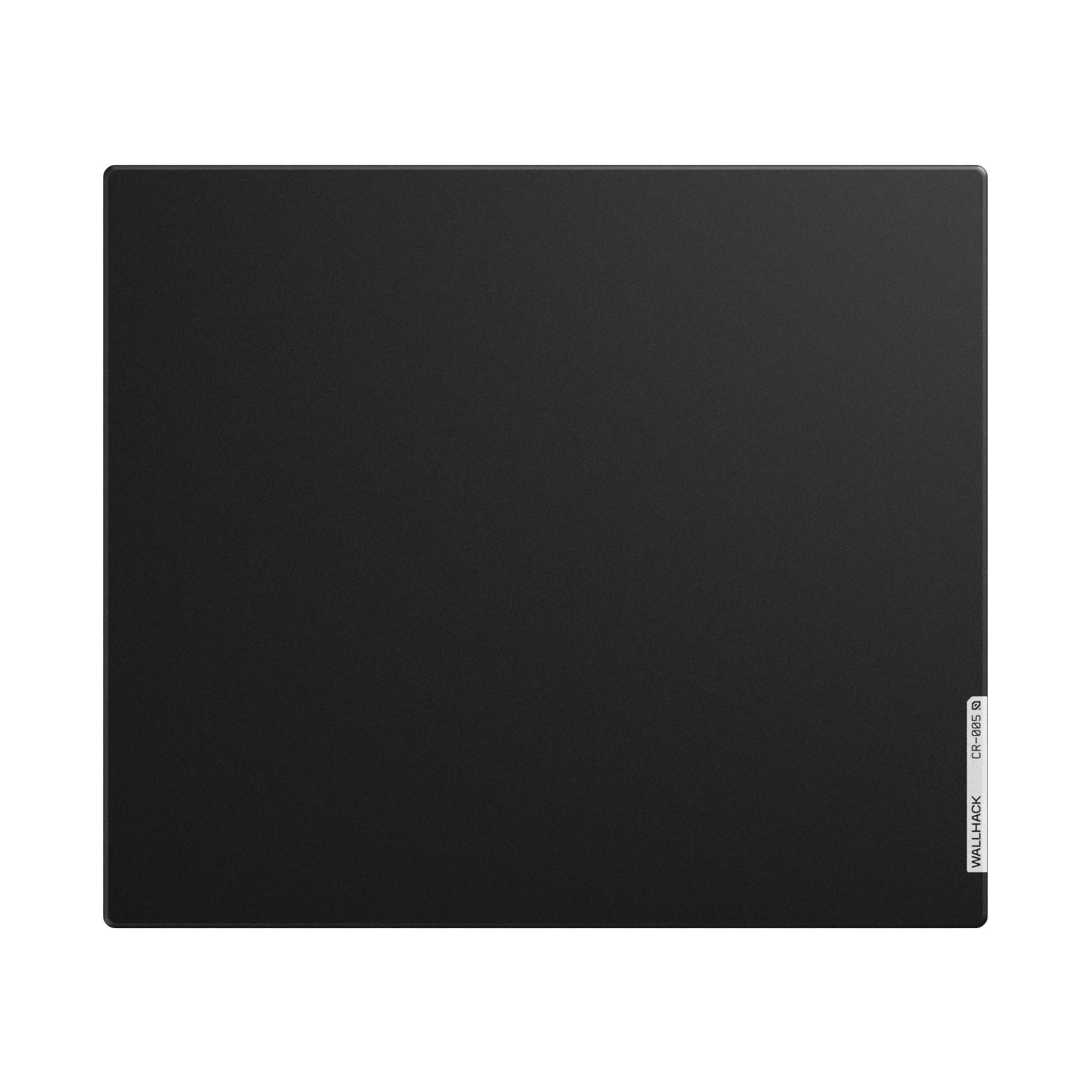
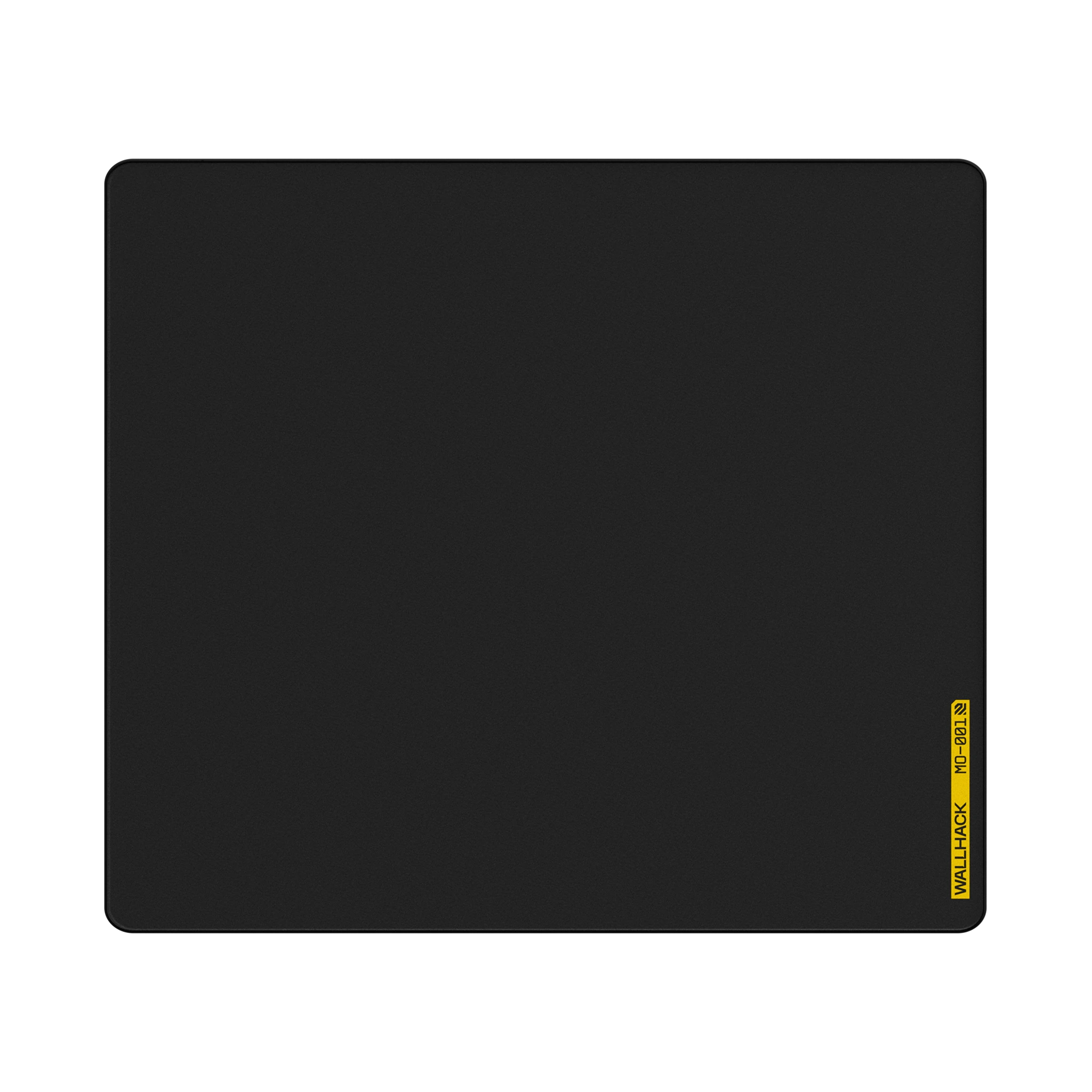
If your pad is heavily worn or stained beyond cleaning, it may be time to replace it. Many players choose options like the MO-001 Black Softpad, available in the Soft Mousepads Collection.
Cleaning Glass Mousepads
Glass mousepads are much easier to clean and require less effort.
For daily maintenance, simply wipe the surface with a microfiber cloth to remove dust or fingerprints. For deeper cleaning:
-
Apply a small amount of glass cleaner or mild soap solution to a cloth
-
Gently wipe the surface evenly
-
Dry immediately with a clean, lint-free cloth
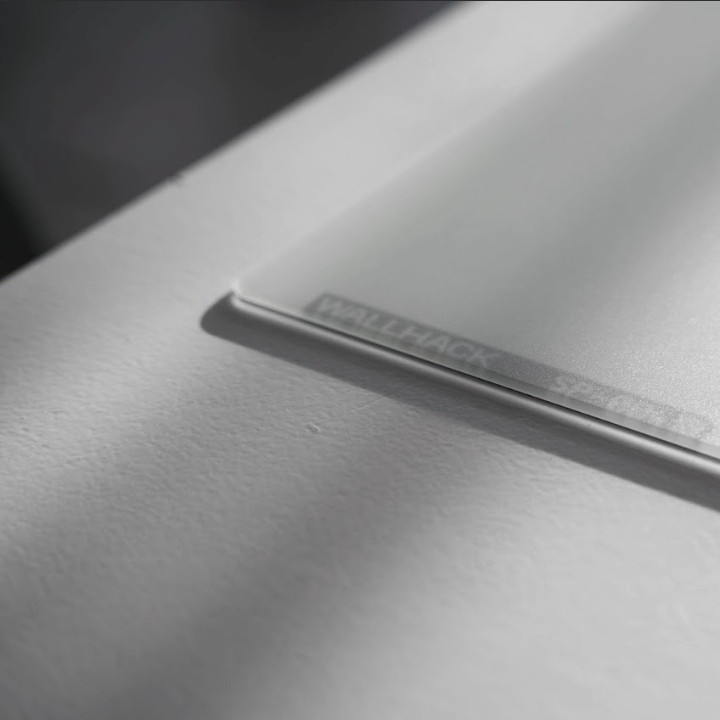
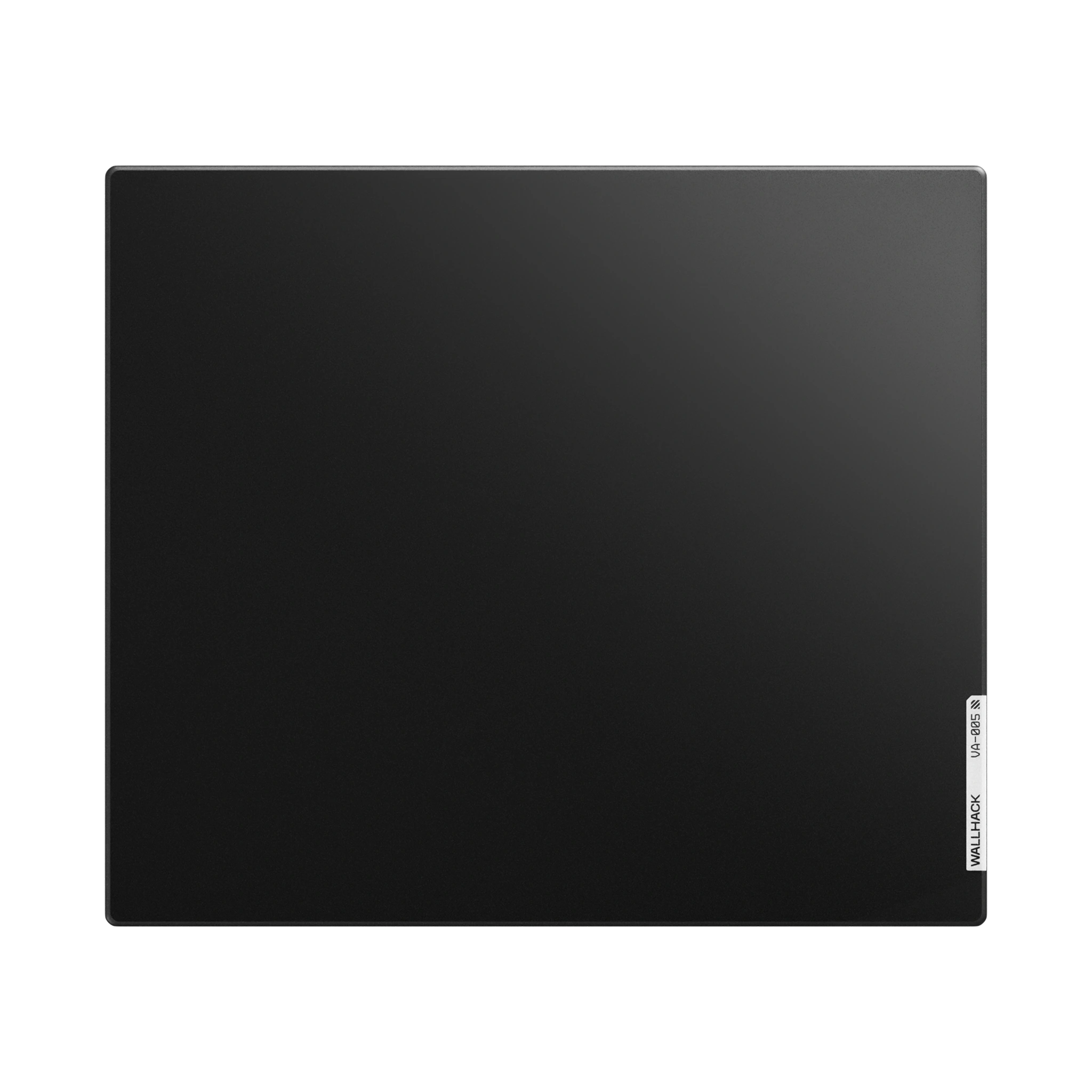
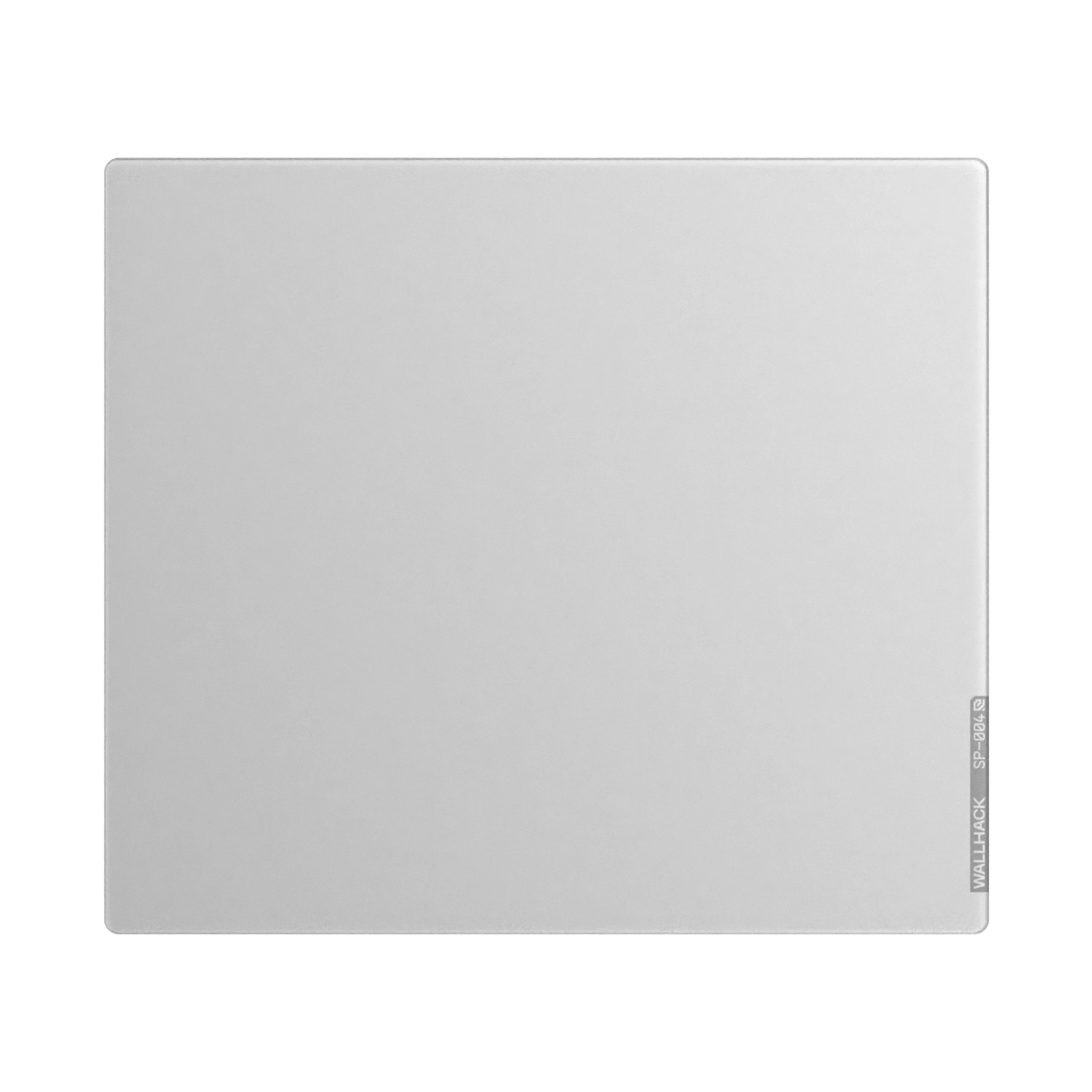
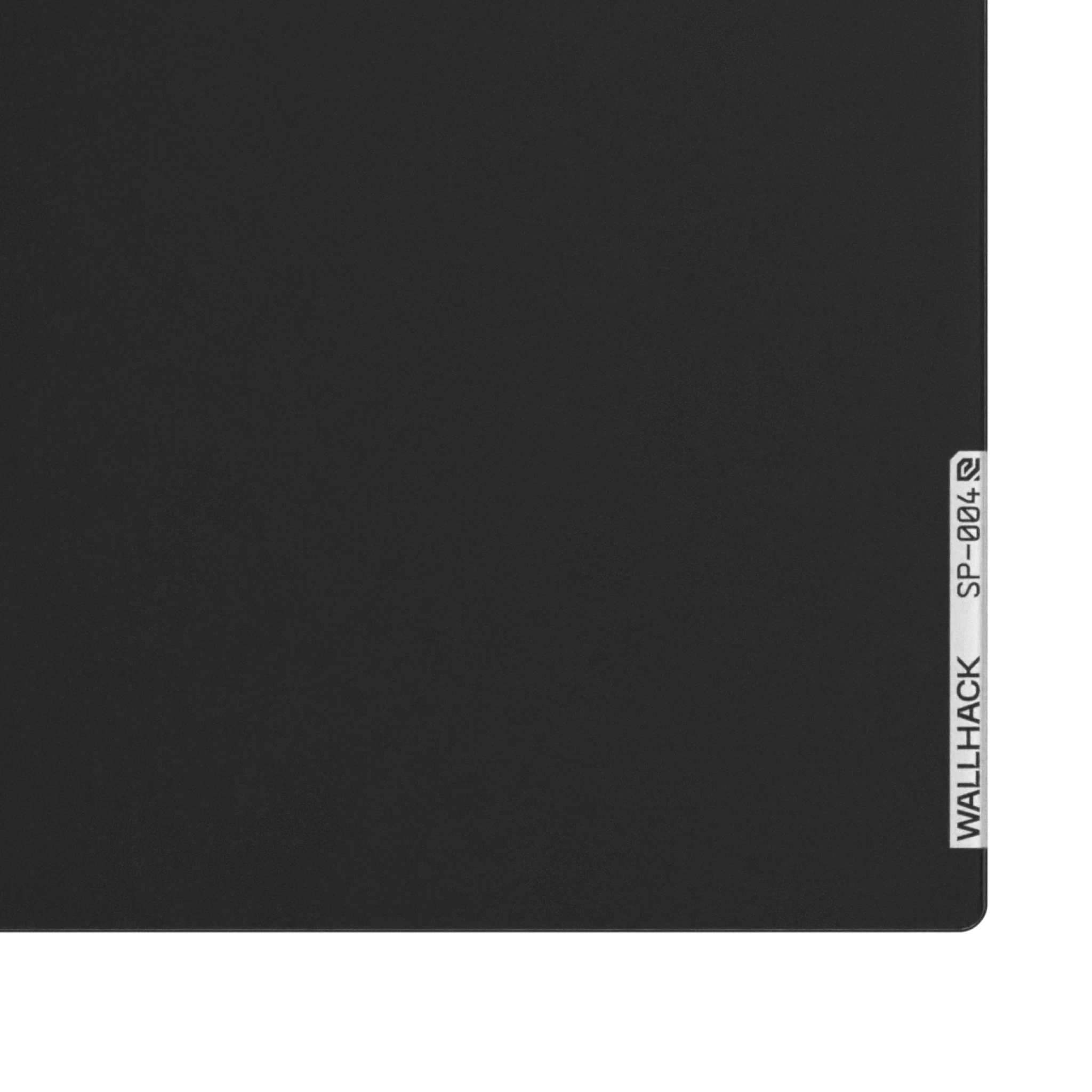
Do not spray liquid directly onto the glass, and avoid abrasive materials. Glass pads like the SP-004 White Mousepad are designed for durability but still benefit from proper care.
If your glass pad develops rough or scratchy spots, cleaning may restore glide—but some slow spots can be caused by long-term wear or skate damage.
You can explore similar premium options in the Explore Glass Mousepads collection.
Cleaning Other Types of Mousepads (Ergonomic, Hybrid, etc.)
Ergonomic or hybrid mousepads should be cleaned gently using a damp cloth and mild soap. Avoid soaking wrist rests or foam padding, as trapped moisture can degrade materials over time.
Always allow these pads to dry fully before use.
When to Replace Your Mousepad
If cleaning no longer restores smooth movement, or if the surface is visibly damaged, warped, or worn down, replacement is the better option. Performance issues that persist after cleaning often signal that the pad has reached the end of its lifespan.
How to Prevent Dirt and Stains from Accumulating
To keep your mousepad clean longer:
-
Wipe it lightly with a cloth every few days
-
Wash hands before long sessions
-
Keep food and drinks away from your desk
-
Store the pad in a dry, dust-free environment
Preventive care reduces the need for frequent deep cleaning.
Why Clean Your Mousepad for Gaming and Productivity
For gamers, a clean mousepad means consistent tracking and reliable flicks. For professionals, it improves accuracy and comfort during long work sessions. Clean surfaces reduce friction, improve sensor response, and maintain the intended feel of the mousepad.
Browse Our Collection of Mousepads for Better Performance
If your mousepad is due for an upgrade, exploring new surfaces can instantly improve your setup. Whether you prefer cloth or glass, there’s an option built for your playstyle and workspace.
Browse the full lineup by visiting View All Mouse Pads and find the right surface for your needs.
Read more
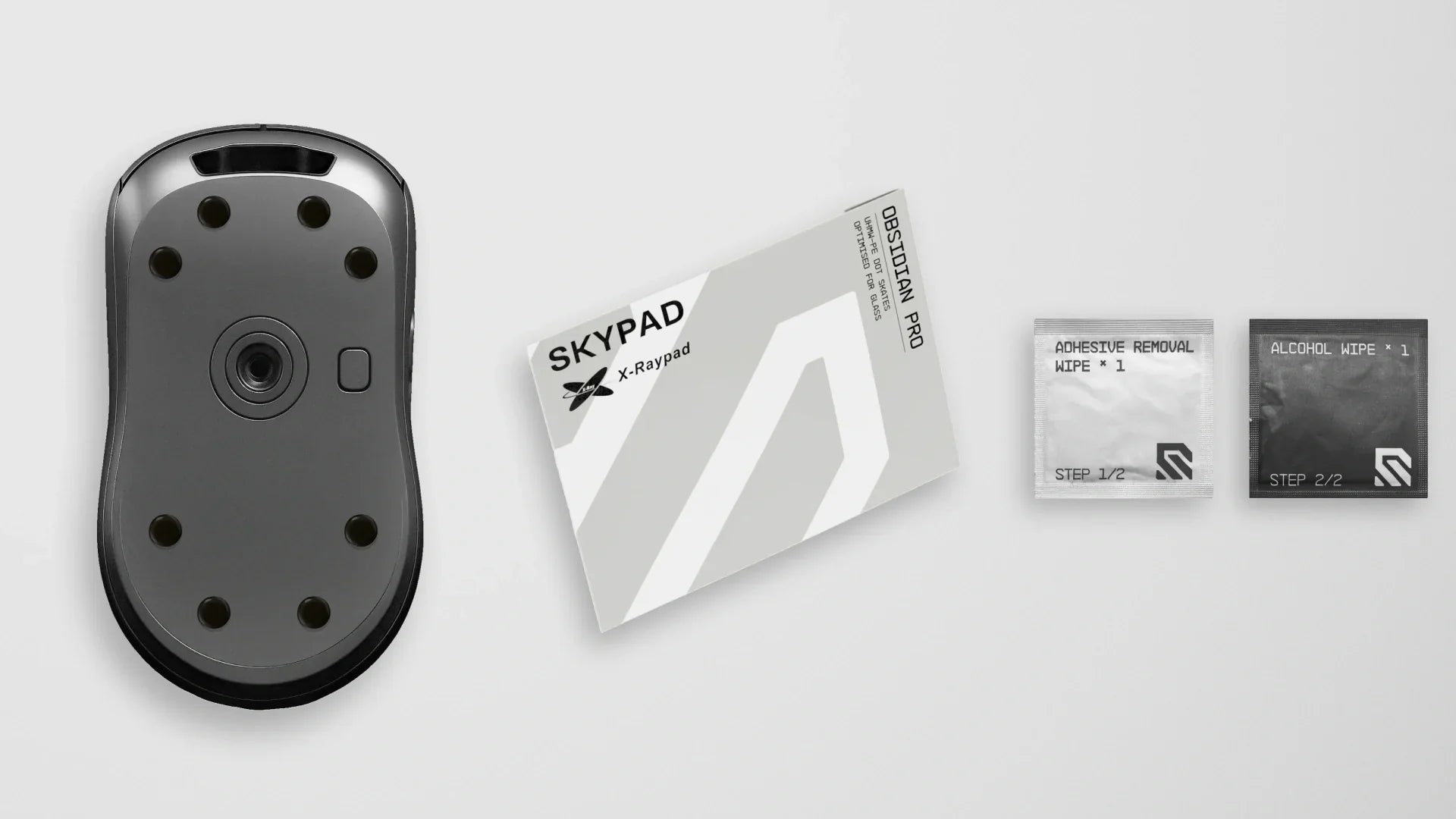
PTFE & UHMWPE Dot Mouse Skates are low-friction pads designed to replace the stock feet on a mouse, providing smoother gliding and reducing friction on various surfaces. If you’re browsing upgr...
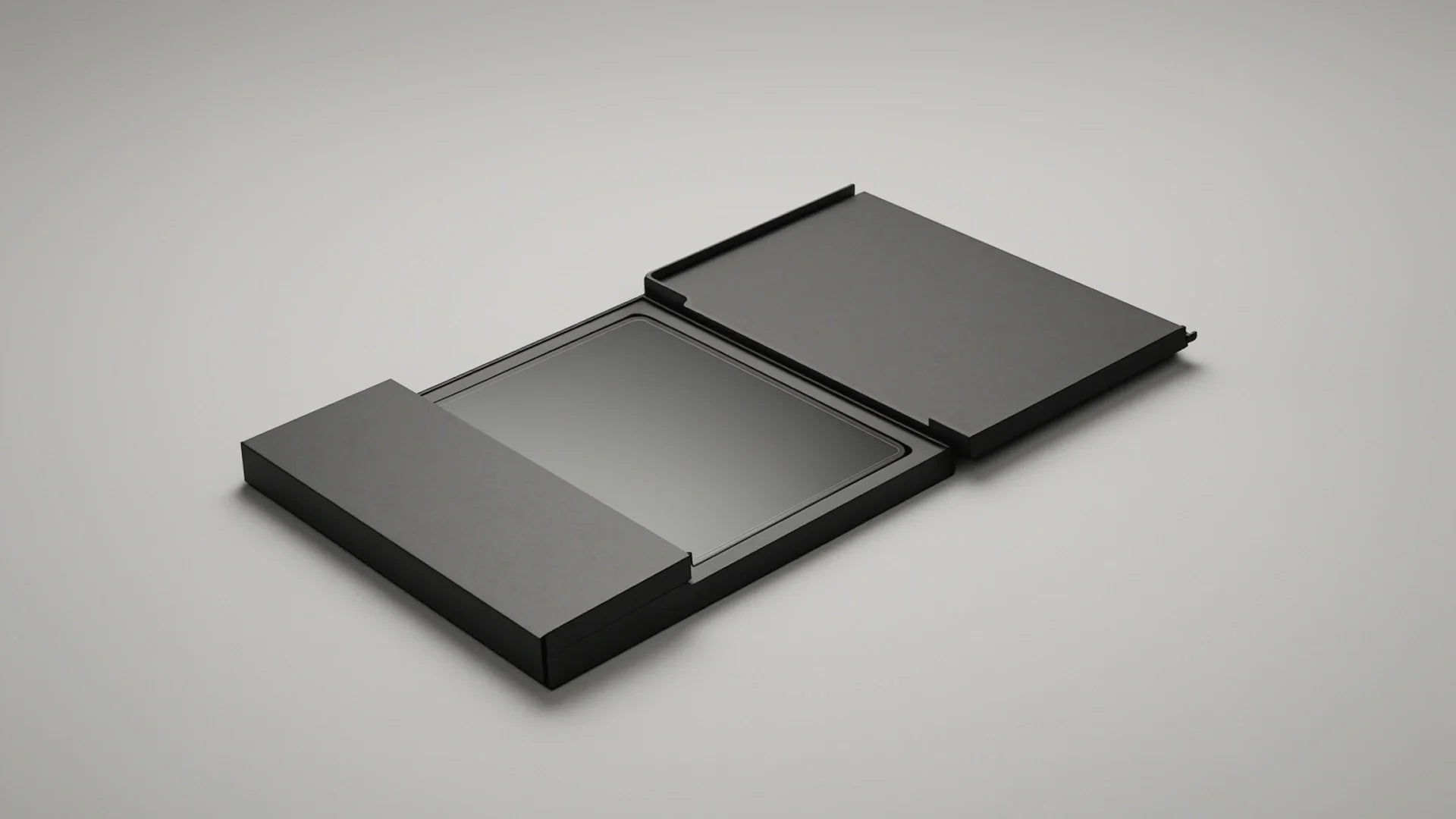
At WALLHACK, we're committed to delivering the ultimate gaming experience, right from the moment you receive our products. That's why our WALLHACK mousepads are packaged and shipped in a flat box, ...


